
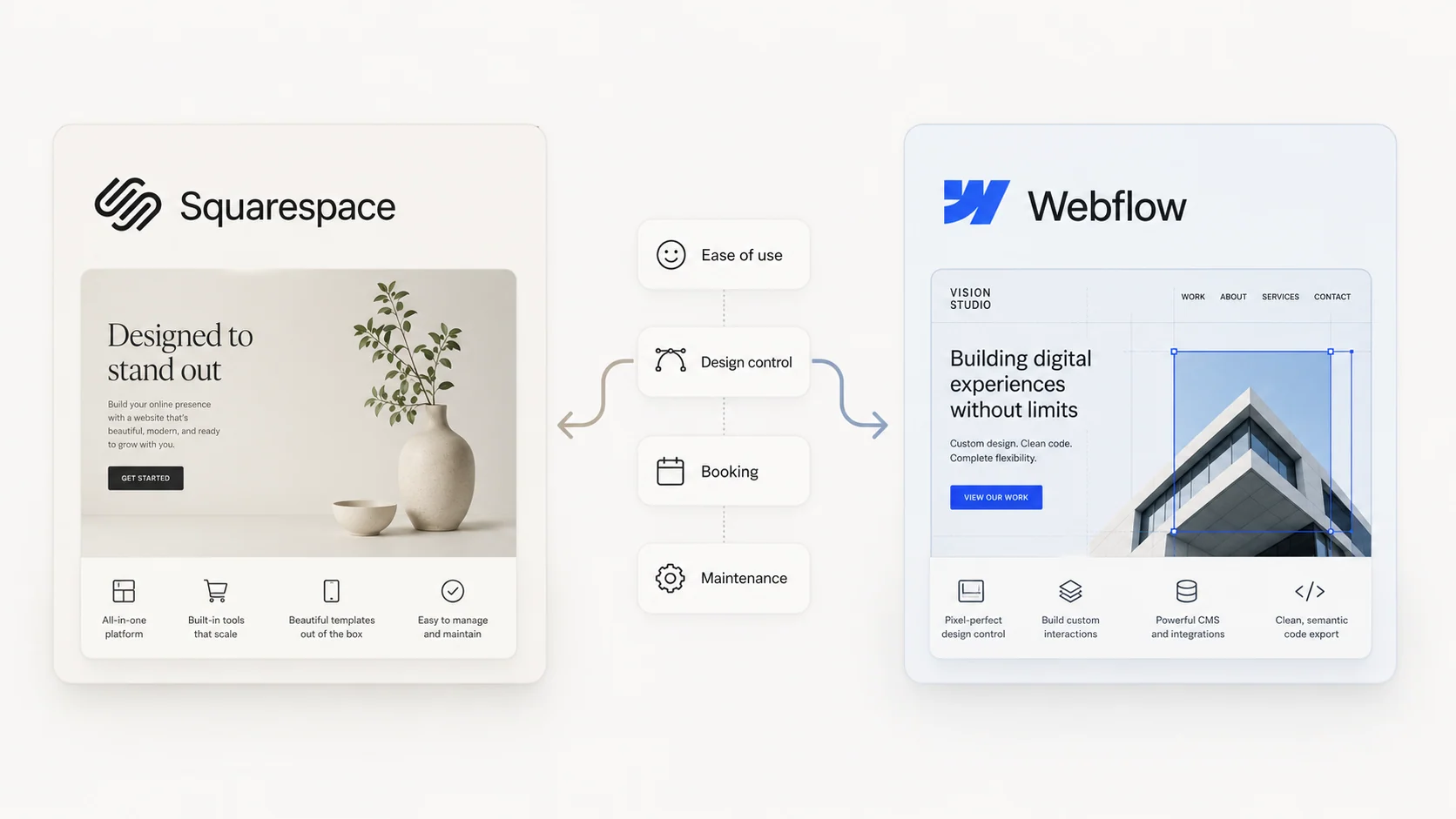
Squarespace vs Webflow: which the business actually needs
A platform-neutral Squarespace vs. Webflow comparison covering real costs, editing, design control, SEO, ownership, and who can run the site.
Squarespace and Webflow get compared as if they are the same kind of thing. They are not. One is a website the owner runs themselves. The other is a professional design tool someone builds the website in. Choosing wrong is not a feature problem. It is a who-runs-this-after-launch problem, and it is expensive to fix later.
Squarespace vs Webflow: the short answer
If the goal is to run the site directly and get it live fast, Squarespace in 2026 is genuinely good and is probably enough. Webflow is worth it when design control justifies hiring someone to build it and there is someone to maintain it. Most small businesses do not need Webflow. Match the tool to who runs the site, not to which platform has more features.
Why these two are not really the same kind of tool
Squarespace is a finished product the business can operate directly. Webflow is a professional design tool someone builds the site in. One is closer to a car the buyer drives. The other is closer to a workshop. Comparing them feature for feature hides the real question, which is not which has more power, but which one fits how the business will actually run.
This single reframe resolves most of the SERP's noise. Webflow agencies write "Webflow is better" because they are answering "which is the better tool for a professional builder." Independent testers write "Squarespace is better for small businesses" because they are answering "which is the better choice for an owner who runs their own site." Both are correct. They are different questions.
Ease of use and who runs it after launch
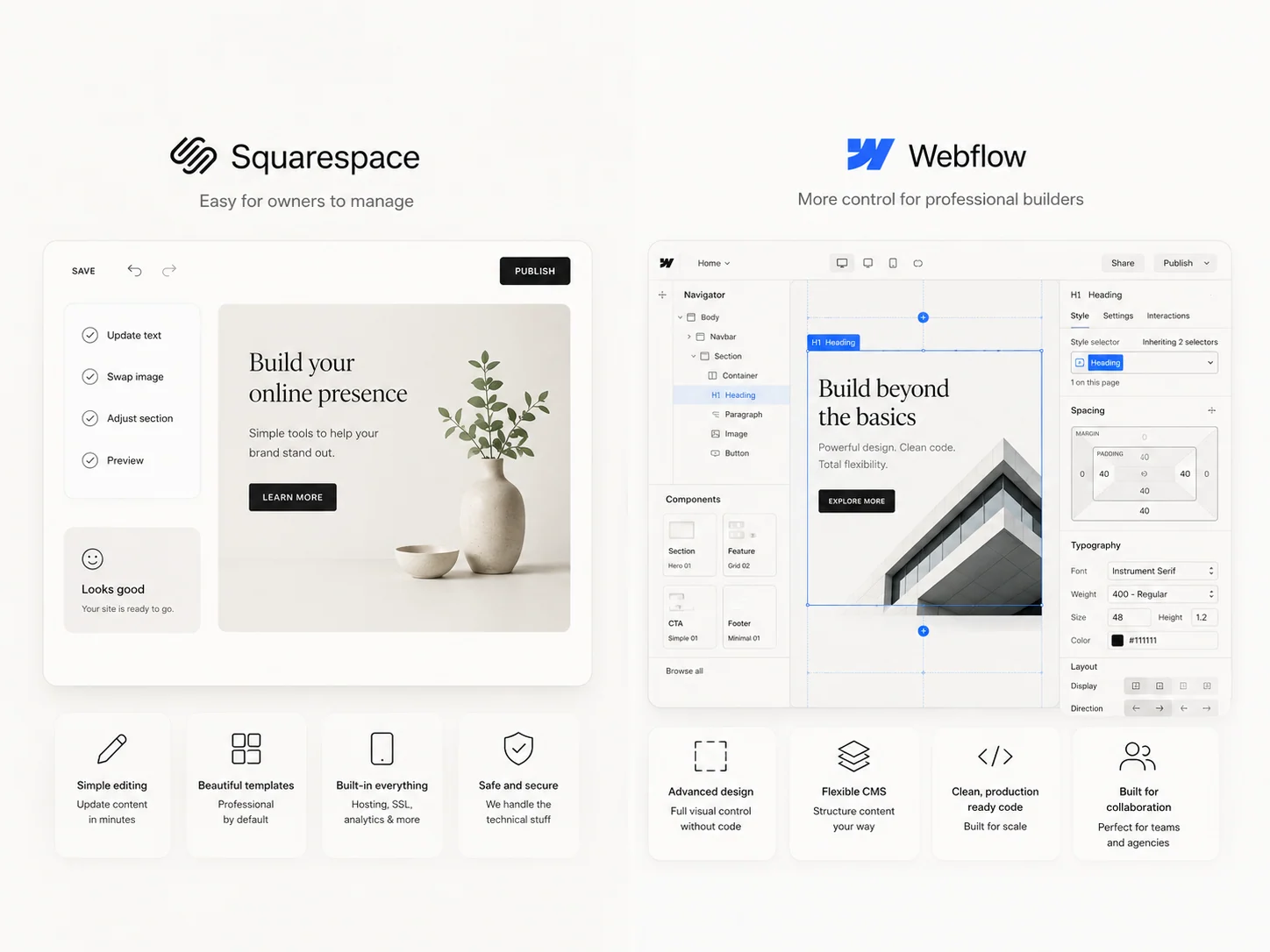
Squarespace is built so a non-technical owner can run it: edit pages, swap photos, publish posts, without fear of breaking the design. Fluid Engine, the editor shipped in 7.1, lets the user reshape layouts inside guardrails the template enforces. The guardrails are the point.
Webflow can be edited safely through its Editor, but only if the site was built well and someone trained the owner on it. The Designer is for builders. The Editor is for the team. Webflow is retiring the legacy Editor on August 4, 2026, in favor of in-context editing inside the main platform, so clients trained on the old Editor need a short re-onboarding.
The honest question: who touches this site weekly after launch? That answer should weigh more than any feature.
Design and customization
Webflow gives a designer near-total control: real CSS, custom interactions, a blank canvas. Squarespace gives polished templates and, in 2026, far more flexibility than its reputation suggests. The gap is real but narrower than agency posts claim.
The question is whether the site needs design that no template can reach, or just needs to look genuinely professional. For most owner-operated businesses, the second is enough. Template-shaped does not mean amateur-shaped if the template is good and the brand work behind it is real.
For brands where the visual identity is a competitive edge, Webflow earns its premium. The studio's brand identity engagement often runs alongside a Webflow build for exactly this reason.
What each really costs
Squarespace pricing is predictable: pick a plan ($16 to $99 per month annual billing), that is the cost. Webflow starts at $25 per month for the Premium plan and climbs as the team adds CMS limits and workspace seats for each collaborator. For a small team, Webflow can quietly become the pricier option once a designer, a marketer, and an owner all need seats.
Three-year totals tell the honest story. Squarespace at $23 a month (Core plan, annual billing) lands at $828 over three years. Webflow Premium at $25 a month is $900 over three years before workspace seats. Add a designer seat at $32 a month and Webflow becomes $2,052. Then add the build cost on either platform, which is the larger number in either case. The 2026 custom website cost guide covers the build side in detail with a calculator.
Built-in booking, scheduling, and ecommerce
This is the sharpest single difference between the platforms and the one most comparisons under-weight.
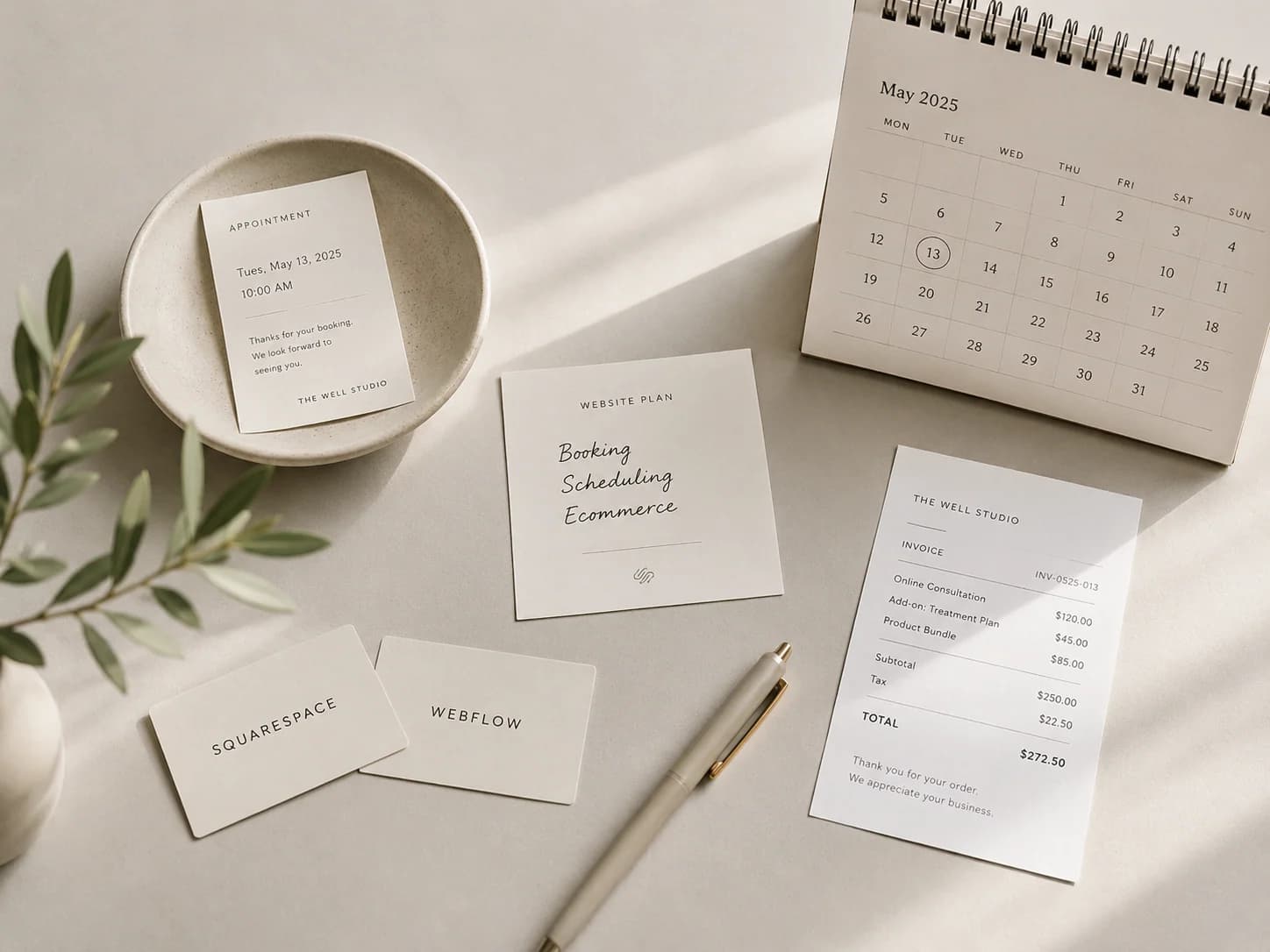
Squarespace bundles Acuity Scheduling, invoicing, point of sale, and email. For a lodge, a studio, a salon, a clinic, a yoga teacher, a hair stylist, any business where customers book directly, that bundling is a real advantage. The booking flow lives on the same platform as the marketing site. The data flows naturally.
Webflow has no native booking. Scheduling connects through third-party tools (Cal.com, Calendly) or a custom integration. For a marketing site that does not need bookings, this is a non-issue. For a hospitality or wellness business where customers schedule on the site, it can decide the platform on its own.
The studio's Palisades Lodge engagement is implementation proof for a custom integration. The Mews-connected interface handles property-timezone date validation, party-size controls, late-night fallback behavior, and the handoff into the booking engine. That shipped functionality is separate from the engagement's local-search results. The studio can use the same decision pattern with Squarespace and Acuity when a smaller operating model fits that stack.
For ecommerce, Squarespace Commerce handles small product catalogs well. Webflow Ecommerce suits design-led stores under 100 SKUs. Neither is the right tool for serious product operations. Shopify is.
CMS, content, and SEO
Webflow's CMS is deeper than Squarespace's and its technical SEO controls are more granular: schema, canonical tags, clean fast markup, structured collections with reference fields. Squarespace covers blogging and standard content well, and in 2026 audits its own SEO automatically via Blueprint AI.
For a small or local business, the platform rarely decides rankings. Content quality, site structure, and speed do, on either platform. The studio's local SEO for destination and place-based brands article covers what actually moves the number for hospitality, wellness, and place-based businesses.
Squarespace in 2026 is not the Squarespace anyone remembers
Most comparisons describe a Squarespace from years ago. Today it has the Fluid Engine editor (24-column grid, separate mobile editing), the Finish Layer animation suite (scroll and hover animations native to the platform), native font uploads, and Blueprint AI for setup and SEO audits. The "Squarespace is too limiting" line is now dated.
Worth re-checking the product before ruling it out on an old reputation. The studio's Squarespace build engagement ships custom Squarespace sites that do not look like template Squarespace sites.
When Squarespace is enough
Squarespace is enough when the owner runs the site themselves, when the goal is to get live in days rather than weeks, when the budget is modest, and when built-in booking, invoicing, or a small store covers what the business sells.
For a large share of owner-operated businesses, that describes the real situation exactly. Enough is not a downgrade. A polished Squarespace site that the owner can actually run beats a half-maintained Webflow site every time.
When Webflow is worth it
Webflow is worth it when design quality is a competitive edge, when the team needs a deeper CMS than Squarespace offers, and when there is someone to build it and keep it running.
It suits design-led brands, marketing sites that change often, structured content collections with up to 20,000 items, and brands where the visual identity has to be exact. Webflow is the wrong call when the budget is tight, when no one will maintain it after launch, or when the site needs gated content (Webflow Memberships ended on January 29, 2026).
The sibling article Webflow vs WordPress: an honest 2026 decision guide covers the Webflow-vs-WordPress side of the decision in more detail.
When the answer is a custom build
A custom build is worth pricing against Squarespace and Webflow when the site needs a bespoke backend, source-code ownership, a structured-content model the builders cannot support cleanly, or an integration that cannot be made reliable inside either platform. Booking, CRM, and growth alone do not force that decision. The specific operating requirement does.
The studio's custom websites engagement covers what a from-scratch build looks like. Black Salt Room is the proof: a custom Next.js site for a wellness studio, Lighthouse 100 across Performance, Accessibility, Best Practices, and SEO on first run. For service businesses with booking, integrations, or AI workflows in scope, the web development engagement is the natural partner to the design build.
Moving off Squarespace without losing the rankings
A platform move is not just a rebuild. Change URLs, drop redirects, or lose metadata, and the team can lose months of search rankings overnight.
Whether the move is to Webflow or to a custom build, the migration needs a redirect map and ranking-protection plan before launch, not patched after. The rebuild is the visible part. The SEO is the part that protects revenue. The studio's SEO migration framework runs inside any redesign or platform escape so the ranking equity carries across.
How to decide
Answer three questions honestly:
- Who runs the site after launch?
- Does the business depend on the site?
- What is the three-year budget?
If the owner runs it and wants it simple: Squarespace. If design and depth justify hiring a builder: Webflow. If the site carries the business: price a custom build too. The situation decides, not the feature list.
For the wider platform decision, see the CMS Builds hub. To get a quick recommendation for your situation, use the CMS comparison and decision tool: five questions, about two minutes.
Frequently asked questions
Is Webflow better than Squarespace?
Is Webflow overkill for a small business?
Which is cheaper, Squarespace or Webflow?
Can a site migrate from Squarespace to Webflow?
Is Squarespace or Webflow better for SEO?
Does Squarespace or Webflow handle booking better?
Need help deciding whether to stay or move?
The studio can improve an existing Squarespace site, build on the platform from scratch, or map a move when a specific requirement no longer fits.