
Is that small business grant still open? We checked 62 guides
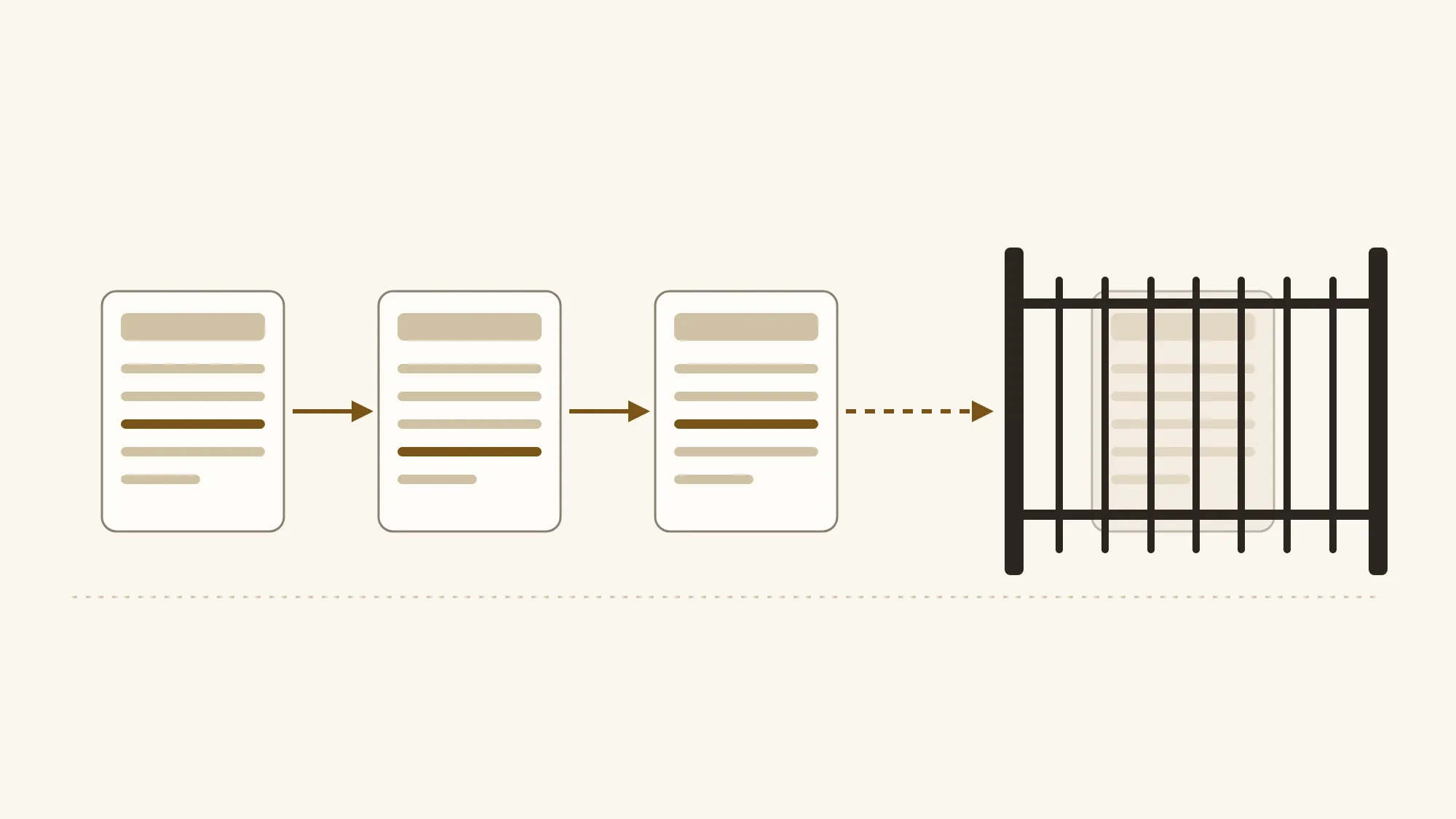
We checked 62 Canadian small business grant guides. 26 still present an ended program as available. Here is how to check that a grant is really open.
Search for small business grants in Ontario for 2026 and you will find guides from agencies, banks, chambers and software vendors. We checked 62 of those guide pages, from 48 publishers, that link to a government program that has ended or is between intakes. 26 pages, from 24 publishers, still present an ended program as available. 15 more describe a program as open when its current intake has closed. The useful part: a guide's link tells you a program existed. Only the program's official page tells you whether you can apply today.
What did we find in Canadian grant guides?
We found 62 guide pages from 48 publishers that link to a government program that has ended or is between intakes. 26 of them present an ended program as available. 15 more are out of date for the current intake. 13 correctly say the program closed, and 8 were unclear.
| What the page says | Pages | Publishers |
|---|---|---|
| Presents an ended program as available | 26 | 24 |
| Out of date for the current intake | 15 | 15 |
| Correctly says it closed | 13 | 6 |
| Unclear | 8 | 6 |
| Total | 62 | 48 |
Every one of the 62 pages answered normally on both of our fetches, about 14 hours apart, and had the program link both times. These are working pages on working sites. Nothing about them looks broken.
The 26 split by program. The Canada Digital Adoption Program (CDAP) appears as available on 20 pages from 18 publishers. The Digital Main Street Digital Transformation Grant appears as available on 6 pages from 6 publishers. 7 of the 26 state a deadline that has since passed, such as September 30, 2024, with no note that it closed. The other 19, from 17 publishers, show no past date anywhere.
Some pages got it right. 13 of the 62, from 6 publishers, link the program and say plainly that it closed or ended. Five of those come from one accounting firm whose program pages say CDAP has closed. The 8 unclear pages had a name or link only, archival news, or mixed signals, so we left them out of both counts.
Across all 62 pages, these are the programs being linked. One page can link several.
- Canada Digital Adoption Program: 33 pages from 27 publishers
- CanExport SMEs: 20 pages from 17 publishers
- Digital Main Street grant: 12 pages from 10 publishers
- City of Toronto Starter Company Plus: 5 pages from 5 publishers
- Rural Ontario Development Program: 3 pages from 3 publishers
Is the Canada Digital Adoption Program still available?
No. BDC's CDAP page carries a February 19, 2024 notice that the program no longer accepts new applications for the Boost Your Business Technology stream. The federal grants record for a Grow Your Business Online agreement lists agreement dates ending March 31, 2025. CDAP has ended, and no official page we found offers a 2026 intake.
That Grow Your Business Online record is an entry in the Government of Canada's grants and contributions data on its Open Government site. It lists agreement dates of February 11, 2022 to March 31, 2025, and it is the date we rely on for that stream.
The government's own CDAP pages are gone too. 24 of the pages that link CDAP point to addresses on ised-isde.canada.ca, 11 different ones in all. When we checked them on October 24, 2026, every one redirected to the ISED home page, including the Boost Your Business Technology page that BDC's notice links to. Nothing errors out. You land on a real government site, and a broken-link checker would mark the link as fine.
20 pages, from 18 publishers, still present CDAP as available. Some describe the grant as something you can get now. Others walk you through application steps for a portal that no longer takes applications. The patterns are further down.
Is the Digital Main Street grant still open?
No. The official Digital Main Street page for the Ontario Digital Transformation Grant says the portal "is now closed as of December 31st". The page gives no year. Still, 6 pages from 6 publishers present the grant as available.
Search for the Digital Main Street grant in Ontario and you will find posts that read as current. The 6 pages include association posts, and one business improvement area (BIA) post tells members the grant is back and the portal is open.
It's easy to see how that happens. An association shares good news when a program reopens, and the post stays up after the portal closes again. Read today, it sends you to a portal that no longer accepts applications.
Across all 62 pages, the Digital Main Street grant is linked on 12 pages from 10 publishers. If a guide you are reading mentions it, go to digitalmainstreet.ca yourself and read the status line before you count on it.
What about CanExport, Starter Company Plus and the rural program?
These three run in intakes. Each is closed right now, and each says more rounds or intakes will come or lists the next one. 15 pages from 15 publishers describe at least one of them as open or as a current option. Those pages are out of date for the current intake. The programs themselves have not ended.
CanExport SMEs. The Trade Commissioner Service page says the program is currently closed, all applications for the 2026 to 27 intake have been processed, and information about future intakes will be posted when available. If you were looking for CanExport SMEs funding in 2026, that intake is done. 11 pages describe it as open or current.
City of Toronto Starter Company Plus. The City's page says applications are currently closed and points to the BusinessTO newsletter for future rounds. 4 pages describe it as open or current.
Rural Ontario Development Program. Ontario's page says applications are currently closed. The third application period closed on October 1, 2026, and the page lists a fourth window of January 18 to February 25, 2027. 3 pages describe it as open or current.
Canada Digital Adoption Program
No longer accepting applications
Boost Your Business Technology stopped February 19, 2024 (BDC). Grow Your Business Online agreement ran to March 31, 2025 (Open Government)
20 pages
Digital Main Street grant
Portal closed
Closed "as of December 31st", no year given
6 pages
CanExport SMEs
Currently closed
2026 to 27 intake processed, next intake not announced
11 pages
Toronto Starter Company Plus
Applications currently closed
No date on the page
4 pages
Rural Ontario Development Program
Applications currently closed
Next window January 18 to February 25, 2027
3 pages
The counts for the three intake programs add up to more than 15 because one page can mention more than one program. The fourth rural window shows why "closed now" is different from "gone". If a guide sends you to one of these, find the next intake date on the official page and plan your application around it.
Why do outdated grant pages still look current?
A page can look current in every way you would notice while the program behind it has ended. It may have no date, a recent date, a working link, or a line saying one stream closed beside another saying the rest is open. Each of those looks reassuring. None of them tells you the program's status.
Of the 26 pages that present an ended program as available, 9 have no date at all, so you cannot tell when anyone last looked. 4 carry a 2025 or 2026 date, published or last updated, so they look fresh. The oldest go back to 2022, including a bank's article on how to apply that has no closure note.
7 pages state a deadline that has passed, with no note that it closed. If you skim, you see a grant and a date, and you may not stop to compare the date with the calendar. On three pages, a sentence about one CDAP stream closing sat right beside a claim that the other stream was still open. Read quickly, that sounds like a careful update.
These are the other patterns we saw, described by type of publisher:
- A consultancy page offering a free CDAP grant if you work with them
- A software vendor's steps page telling you to apply through the portal and receive the grant
- A 2026 grant directory listing CDAP under available programs with no status beside it
Here is who published the 26 pages:
| Type of publisher | Pages | Publishers |
|---|---|---|
| Marketing agencies and consultancies | 8 | 8 |
| Banks and accounting firms | 5 | 5 |
| Software vendors | 5 | 3 |
| Chambers of commerce and business associations, including BIAs | 4 | 4 |
| Municipal economic development offices and similar bodies | 2 | 2 |
| Grant directories | 2 | 2 |
This is a maintenance problem, and no single kind of publisher owns it. A page written in good faith while a program ran keeps saying the same thing after the program ends. The page gives you clues, and each one leaves a question open.
A recent date on the page
- Can tell you
- Someone published or edited the page around that date.
- Leaves open
- Whether anyone rechecked the program. 4 of the 26 pages carry a 2025 or 2026 date.
A link that works
- Can tell you
- The address still answers.
- Leaves open
- Where it lands. The ISED CDAP pages now redirect to the ISED home page.
A deadline in the text
- Can tell you
- When the intake was meant to close.
- Leaves open
- Whether it closed or a new intake opened. Compare it with today's date and the official page.
A line saying it is open
- Can tell you
- What the writer believed when they wrote it.
- Leaves open
- Whether it is still true today.
How can you check if a grant is really open?
Go to the program's official page yourself and read its status. The official page belongs to the government department or the organization that delivers the program. Skip the guide's link. Read the status line, check the intake dates, and treat a redirect or a missing page as a sign the program has ended.
- Find the official page yourself. Search the program name and pick the result on a government site or the delivering organization's site. The guide's link may redirect somewhere else.
- Read the status line at the top. Look for plain words: open, currently closed, no longer accepting applications.
- Check the intake dates. A program can be real and still closed until its next window. Note the next opening date if the page gives one.
- Treat a redirect or a missing page as ended. If the official page sends you to a home page or is gone, treat the program as ended until an official source says otherwise.
- Ask your provider for the official page. If an agency or accountant has built a quote around a grant, ask them to send the official page that says the intake is open.
The same check works for any list of small business grants in Canada, federal, provincial or municipal. Use the guides to find program names, then confirm each one on its official page.
If your website quote counts on a grant, price the project on its own first. The website quote comparison template helps you line up quotes item by item. The Website Cost Calculator gives you a planning range before you talk to anyone. If you are in Toronto, website design cost in Toronto covers what goes into local pricing.
If a provider tells you a grant will cover part of the cost, ask which program it is. Ask for the official page. Ask what happens to the price if the funding does not come through.
How do you keep a resources page honest?
Put a status and a "checked on" date beside every program you list, link the official page, and set a review date tied to the next intake. When a program ends, mark it as ended instead of deleting it. A broken-link checker will not catch an ended program, because the link still works.
This part is for whoever keeps a grants or resources page: an agency, an accountant, a chamber, a BIA or an economic development office. You wrote the page to help people, and these habits keep it helpful after a program changes:
- Status beside every program. Open, between intakes or ended, in plain words.
- A "checked on" date beside the status. Readers can see how fresh it is.
- A link to the official page. Your summary helps, but the official page is the source.
- A review date tied to the intake calendar. Recheck the day after an intake closes and again when a new one is announced.
- Ended programs marked as ended. People still search for CDAP. A page that says it ended answers their question.
Closed. Digital Main Street says the portal is closed as of December 31st. Checked October 24, 2026. Link: the official Digital Main Street grant page.
The second version takes one more sentence. It stays true after the portal closes, and the date tells your reader when to look again.
How did we check these pages?
We fetched each page twice, about 14 hours apart, and counted a program link only if it was on the page both times. Then a person read every one of the 62 pages and decided what it says about the program. The counts in this article come from that human read.
The first fetch ran Friday, October 23, 2026, from about 9:55 to 10:40 PM ET. The second ran Saturday, October 24, 2026, from about 12:20 to 12:40 PM ET. Every one of the 62 pages answered normally (HTTP 200) both times.
- Where the pages came from: real search queries for grant content, such as searches for the CDAP grant for small business, with bank, accounting, agency, chamber, BIA, municipal, library, college and regional variants. We added pages found through the sitemaps of publishers that turned up in search, plus a curated list.
- What we left out: official and delivery partner sites, including canada.ca, gc.ca, ontario.ca, bdc.ca, digitalmainstreet.ca and the Ontario Chamber of Commerce, a CDAP delivery partner. Municipal and county economic development pages count as guides, because they do not run these programs.
- How many: 714 pages from 215 publishers scanned. 675 answered normally on both fetches.
- Cap per publisher: 10 pages per publisher on the starting list. The cap applied to that list only, because the crawler also scanned neighboring pages. In the final 62, no publisher has more than 6 pages, which is why we report publishers as well as pages.
- Matching: by the link's destination address. A name mention alone does not count.
- Human read: each page was sorted as presenting the program as available, out of date for the current intake, correctly closed, or unclear. The automatic flag disagreed with the human read on 25 of the 62 pages.
This is not a random sample. We found these guides through search aimed at grant content, so we report counts only, without traffic, reach or how long each page has been out of date, and we did not contact the publishers.
What should you check on your own site next?
If you publish a grants page, start with the program lines. Then look at the rest of your site, because service details, contact information and prices go stale the same way, and customers check those before they call. The free SEO audit checks up to 25 pages for missing titles, broken links between your pages and other problems.
If you want a person to go through the whole site, the Website and Search Audit crawls and checks every accessible page up to 200. It includes a hands-on review of representative pages and the main ways customers get in touch, and you get the fixes ranked with hours for each. It is CAD 800 for Canadian clients and USD 750 for everyone else. The audit fee is credited toward any follow-on work booked within 60 days of report delivery, including new builds and care plans.
For contractors and local services with a small site.
For owner-led businesses weighing a redesign, ads or more SEO.
For bigger sites, or any site moving to new URLs.
This is a planning range. Your written quote confirms the final price.
Start with the next grant a guide sends you to, and open its official page before you plan around it.
References (6)
- BDC. Canada Digital Adoption Program (CDAP). Business Development Bank of Canada. https://www.bdc.ca/en/canada-digital-adoption-program
- Innovation, Science and Economic Development Canada. Grants and Contributions. Open Government, Government of Canada (agreement 514186). https://search.open.canada.ca/grants/record/ic%2C033-2021-2022-Q4-514186%2Ccurrent
- Digital Main Street. Digital Transformation Grant. Digital Main Street. https://digitalmainstreet.ca/dtg-3/
- Trade Commissioner Service. CanExport SMEs. Government of Canada. https://www.tradecommissioner.gc.ca/en/our-solutions/funding-financing-international-business/canexport-smes.html
- City of Toronto. Starter Company Plus Grant. City of Toronto. https://www.toronto.ca/business-economy/business-operation-growth/business-incentives/starter-company-plus-grant/
- Ministry of Rural Affairs. Rural Ontario Development Program. ontario.ca. https://www.ontario.ca/page/rural-ontario-development-program
Hero illustration: an original Jardine Studio graphic made for this article, with no photograph or third-party artwork.
Want a quick check of your own site?
The free SEO audit checks up to 25 pages for missing titles, broken links between your pages and other problems, with clear next steps.